
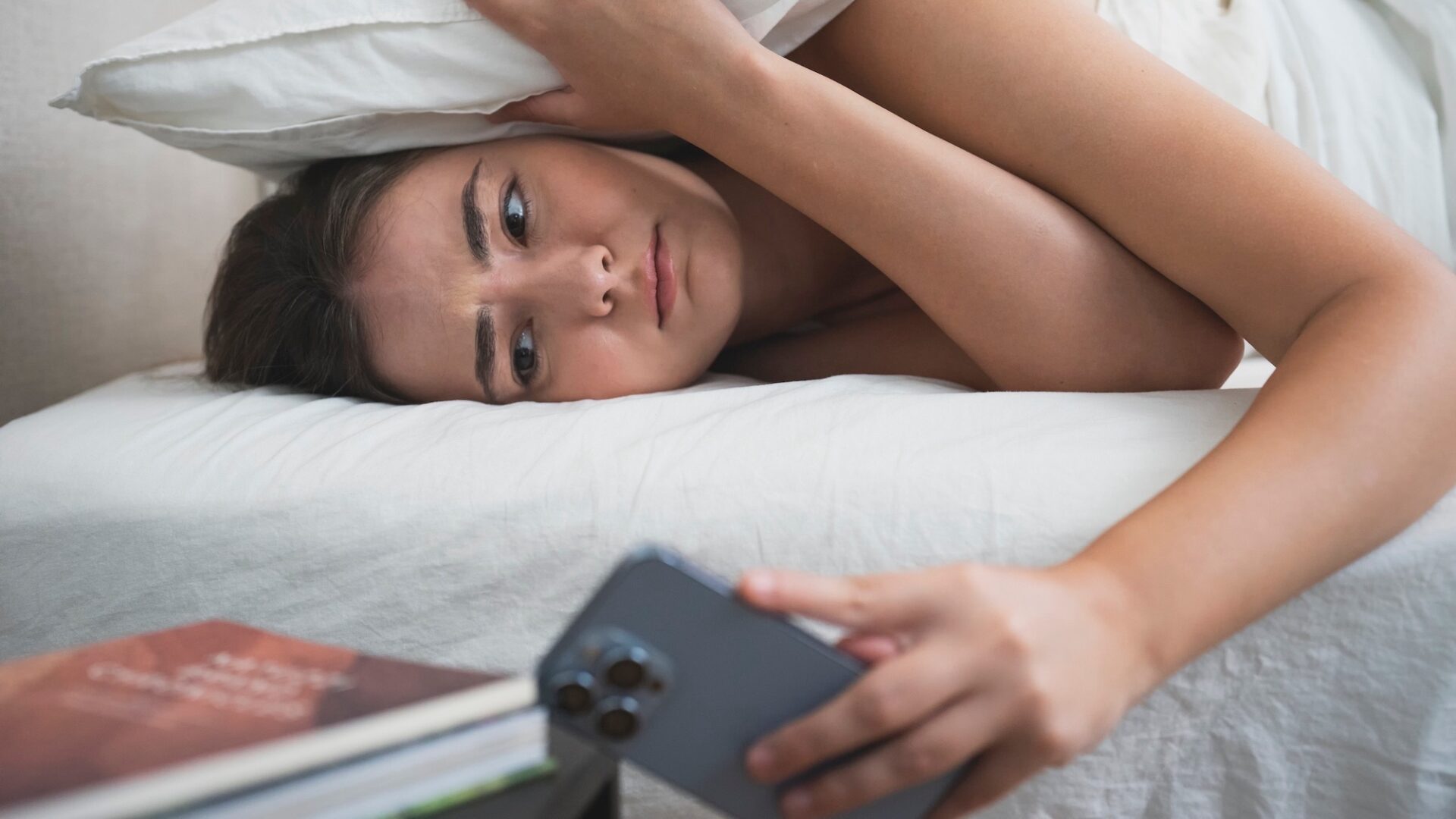
You might’ve seen recent reports of users complaining that they’ve slept through alarms set on their iPhones–or even encountered it yourself. But it’s not a new bug. The silent iPhone alarm issue has plagued users for at least a couple of years, and still keeps affecting people (even though Apple has previously promised to fix it).
The bug causes alarms to go off, but silently—there’s no audible ring, and no vibration. That’s not ideal if you need to get up for work, a flight, or anything else you have to do. So what exactly is going on? Here’s what we know about the so-called silent alarm bug on the iPhone and what you can do about it.
What is the silent arm bug?
Being caught out by silent alarms? You’re not alone. Screenshot: Apple
If you set an alarm, it’s important that it actually alerts you at the right time. But these silent alarms that users have been noticing on their iPhones don’t make any sound and don’t trigger any vibrations. They do appear on screen as normal, but they’re completely silent.
As for what’s causing it, no one seems certain. Back in 2024, Apple said it was fixing the issue, without going into much detail about what was behind it—but users are finding that it’s still happening. Sometimes it seems that a particular iOS version will patch the problem, only for it to show up again in a subsequent version.
Given that it’s been happening for a long time, and affecting a substantial number of users (but not everyone), it’s possible that there are multiple causes. While there’s been no official guidance from Apple about how to fix it, there are steps you can take to minimize the likelihood of silent alarms.
Fixes you can try
Disabling Attention-Aware Features can help in some cases. Screenshot: Apple
First, make sure your alarms are set as intended from the Alarms tab of the Clock app. Tap on an alarm and you can check the Sound option to see the noise it triggers and the Repeat option to check the frequency—it may be that your alarm is set to go off some days and not others. If a specific alarm isn’t ringing, try deleting it and creating it again.
You can get to the audio settings for your iPhone by opening up Settings, then choosing Sounds & Haptics. Look at the volume slider under Ringtone and Alerts to make sure it’s high enough. You might also want to turn off Change with Buttons to make sure you’re not adjusting the alert volume accidentally. Alarms shouldn’t be affected by the Silent Mode toggle, but you can try turning this off anyway.
Under Bluetooth in Settings, make sure your iPhone isn’t connected to any speakers or headphones that it shouldn’t be—otherwise it could be piping your alarm sounds through a different device and not your iPhone speakers.
Some users have found they can overcome the silent alarm bug by turning off the Attention-Aware Features toggle switch, which you’ll find under Face ID & Passcode in Settings. This changes certain iPhone behaviors, including the level of alarm sounds, if it thinks you’re looking at the screen. It could explain certain silent alarms—though it should only ever lower the alarm volume level, not mute it completely.
It’s worth saying that the Do Not Disturb mode and any other modes you’ve got set up in Focus in Settings shouldn’t make any difference to alarms—they just control the volume for app notifications—but it’s perhaps worth reviewing them anyway.
Finally, be sure to keep your iPhone up to date with the latest version of iOS. While it seems as though this bug is persisting in the latest software releases, hopefully at some point Apple will squash it for good, and when that happens you’re going to want to get the update as soon as possible.
Alternative alarm apps
Alarmy is one of the best alternative alarm apps. Screenshot: Alarmy
Something else you can do to try and avoid silent alarms is to install a third-party alarm app, and there are lots to choose from. Alarmy actually prides itself on the loudness of its alarm alerts, so you should have no problems waking up. You can get some extra premium features and remove the ads by paying $4.99 a month, but the basic functionality is free.
Then there’s Galarm, which packs alarms and reminders into one app, with a host of options available. You can categorize alarms and add notes to them, for example, and go into plenty of detail when it comes to when alarms should repeat. Again, you can opt to subscribe for more features and an ad-free experience, which costs $0.99 a month.
Sleep Cycle is another app worth considering. Not only will it wake you up, it also has a smart alarm feature that aims to rouse you at the most beneficial time in your sleep cycle (within a preset window). It’ll track your sleep too—there’s a lot to it. You get the basics for free, with a pile of premium features (including weather reports and more sleep stats) available for a $2.99-per-month subscription.
Or you can invest in a smart alarm clock. Or just an old-fashioned alarm clock with the big red numbers and real buttons.
The post How to avoid the iPhone’s notorious ‘silent alarm’ bug appeared first on Popular Science.
How to avoid the iPhone’s notorious ‘silent alarm’ bug
